
Valkyrie HUD
A sci-fi FPS heads-up display and boot sequence for a video game.
| Role | Timeline | Team | Stack |
|---|---|---|---|
| UI Artist | 4 months (2020) | Personal project | Adobe Illustrator Affinity Designer Unreal Engine After Effects |
Project Overview
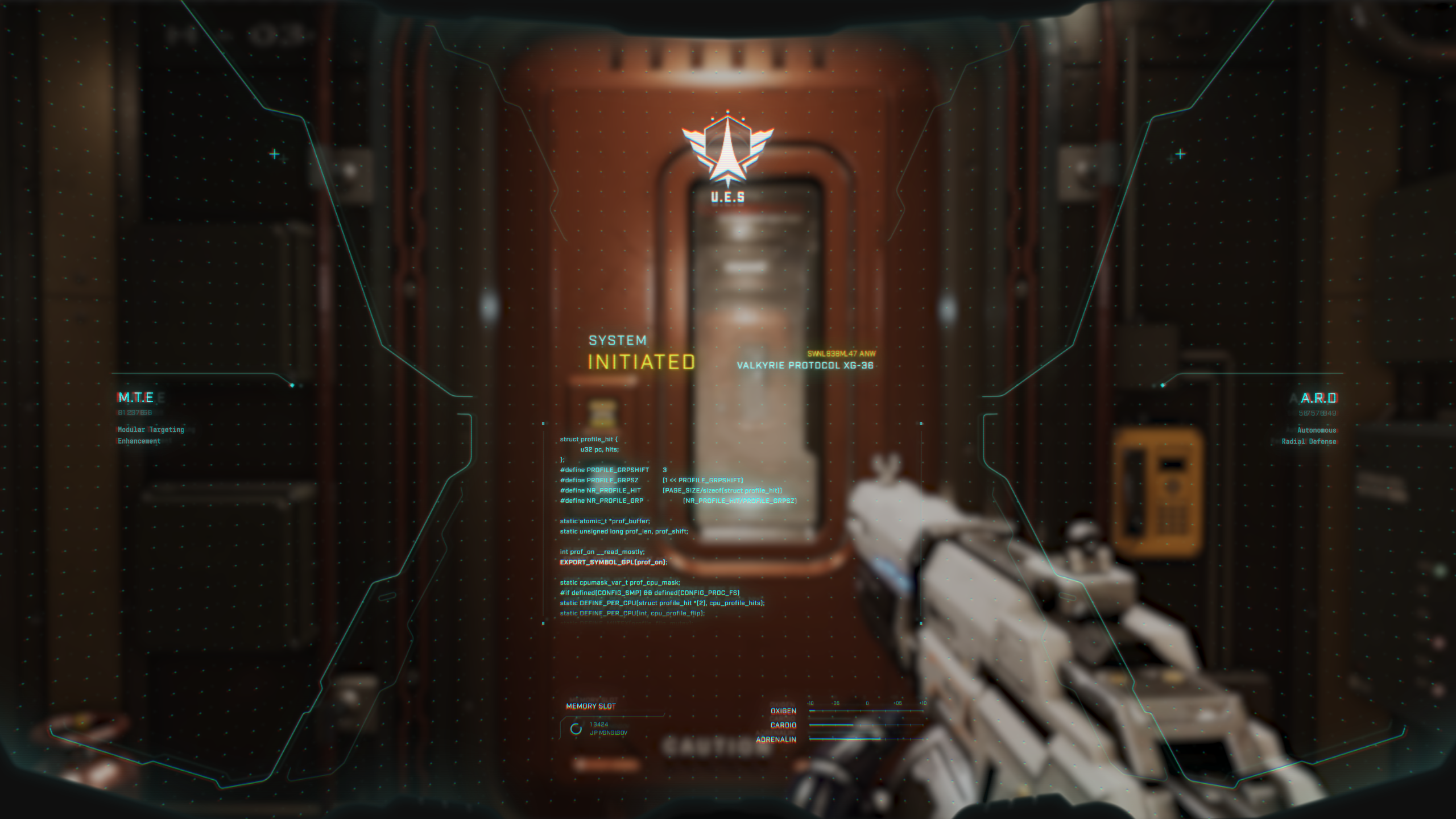
Valkyrie HUD is a sci-fi FPS interface concept for a video game. The project explores two connected flows: a boot sequence that initializes the suit’s operating system, and a gameplay HUD that supports combat, navigation, and player status during gameplay.
The visual direction treats the interface as a physical helmet that incorporates a futuristic heads-up display. Code and data reinforce the idea that the player is wearing an advanced piece of military hardware rather than simply looking at UI widgets.
This was a personal project built to practice sci-fi and FUI (futuristic user interface) design techniques. Despite the complexity of the final result, the process was incredibly fun and instructive.
Challenge
The goal was to design a believable sci-fi HUD for a first-person shooter, and to animate the entire interface as if it were the opening scene when a new game begins.
I also wanted the project to feel cohesive and immersive with:
- Boot sequence: introduces the player into the world.
- Gameplay HUD: a clean, functional HUD that could work for weapons loadout, active abilities, navigation and combat.
Beyond layout, the project required me to practice motion graphics, branding and iconography for this fictional world.
The Solution
The project is built around two core layers: the Boot Sequence and the Gameplay HUD.
Boot Sequence
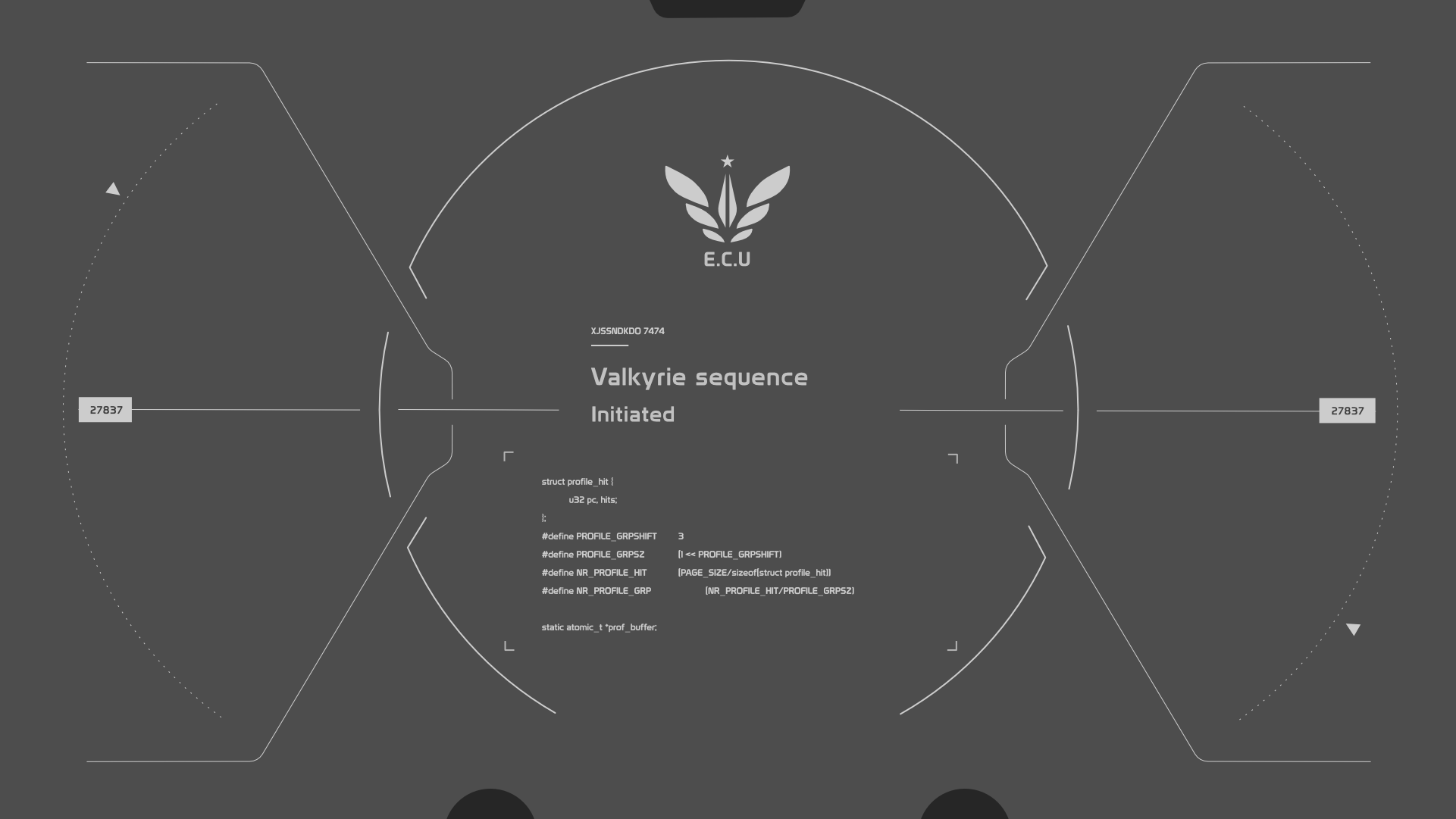
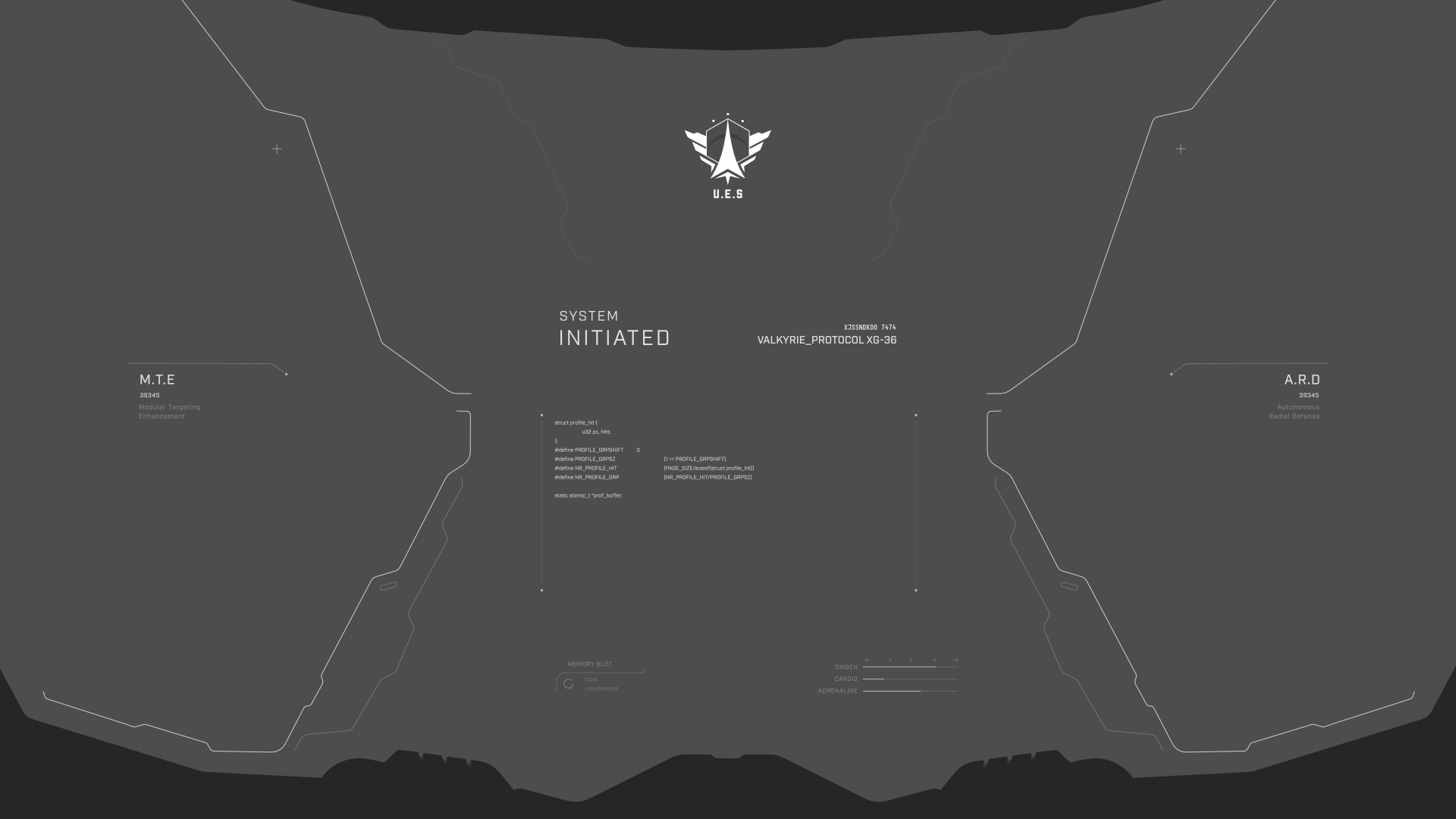
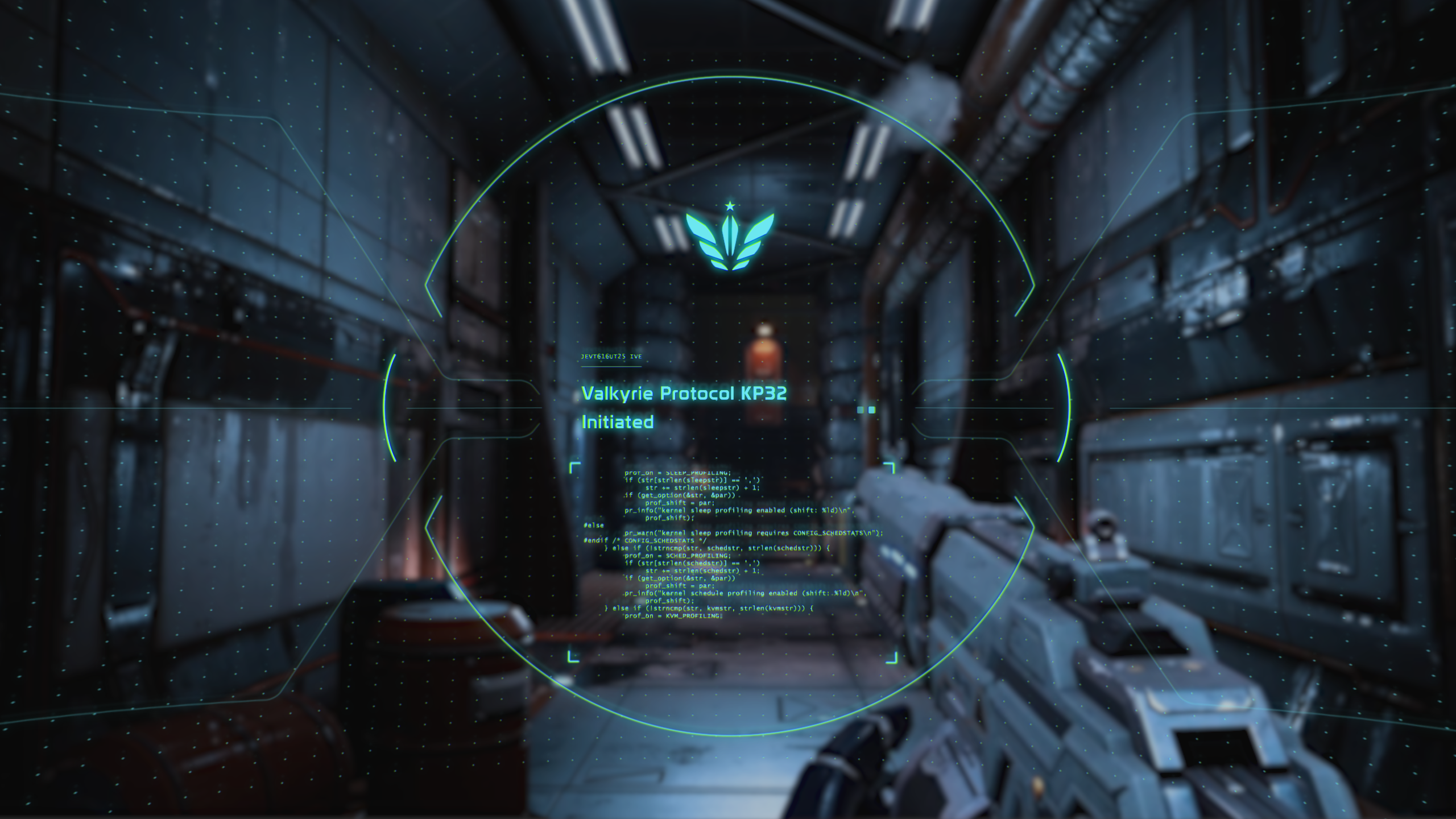
When the suit powers on, the player sees the activation process. Supporting modules appear on both sides of the screen along with biometric analysis.
The boot screen uses code snippets and technical metadata to reinforce the feeling of a machine coming online.

Gameplay HUD
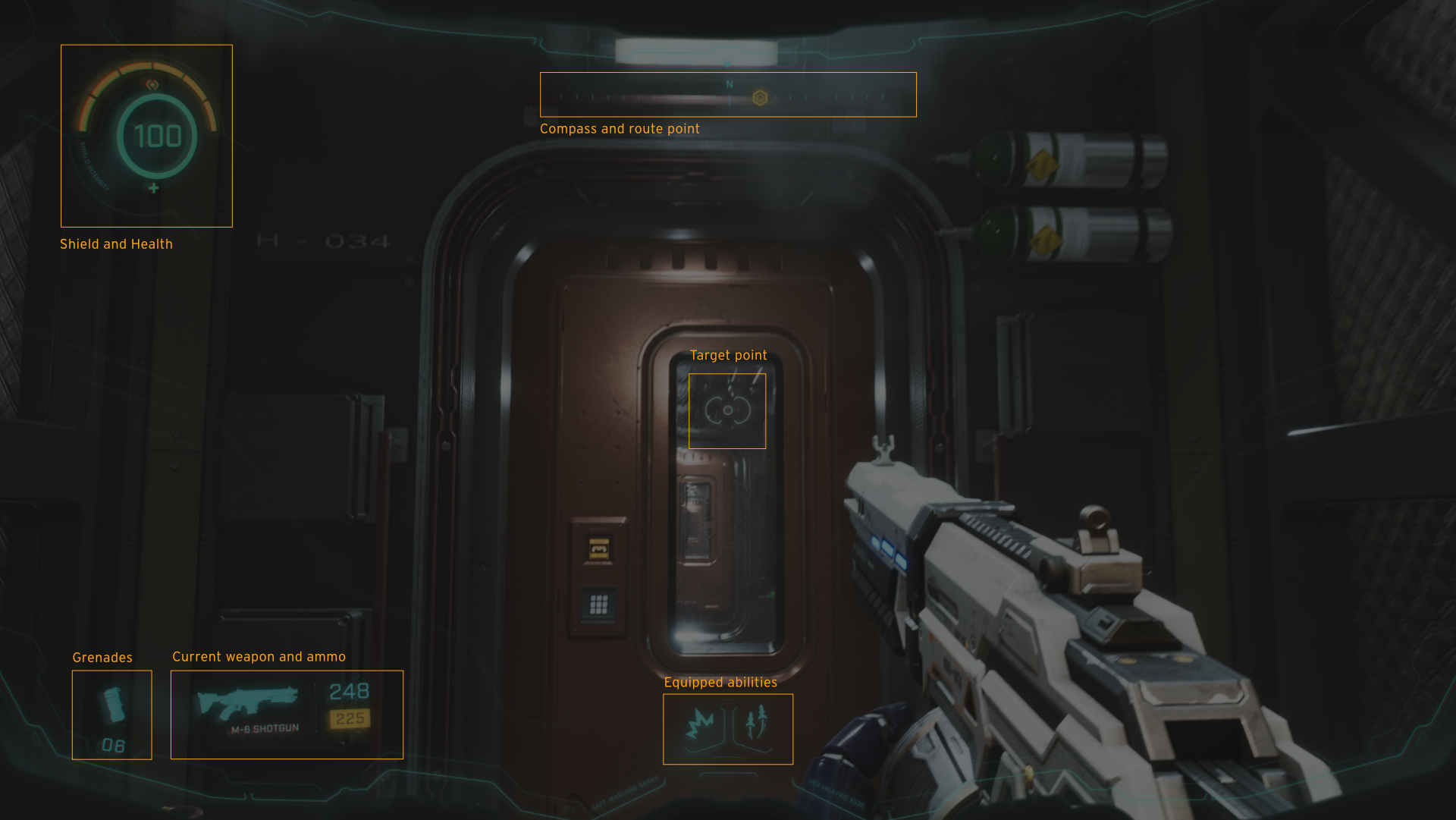
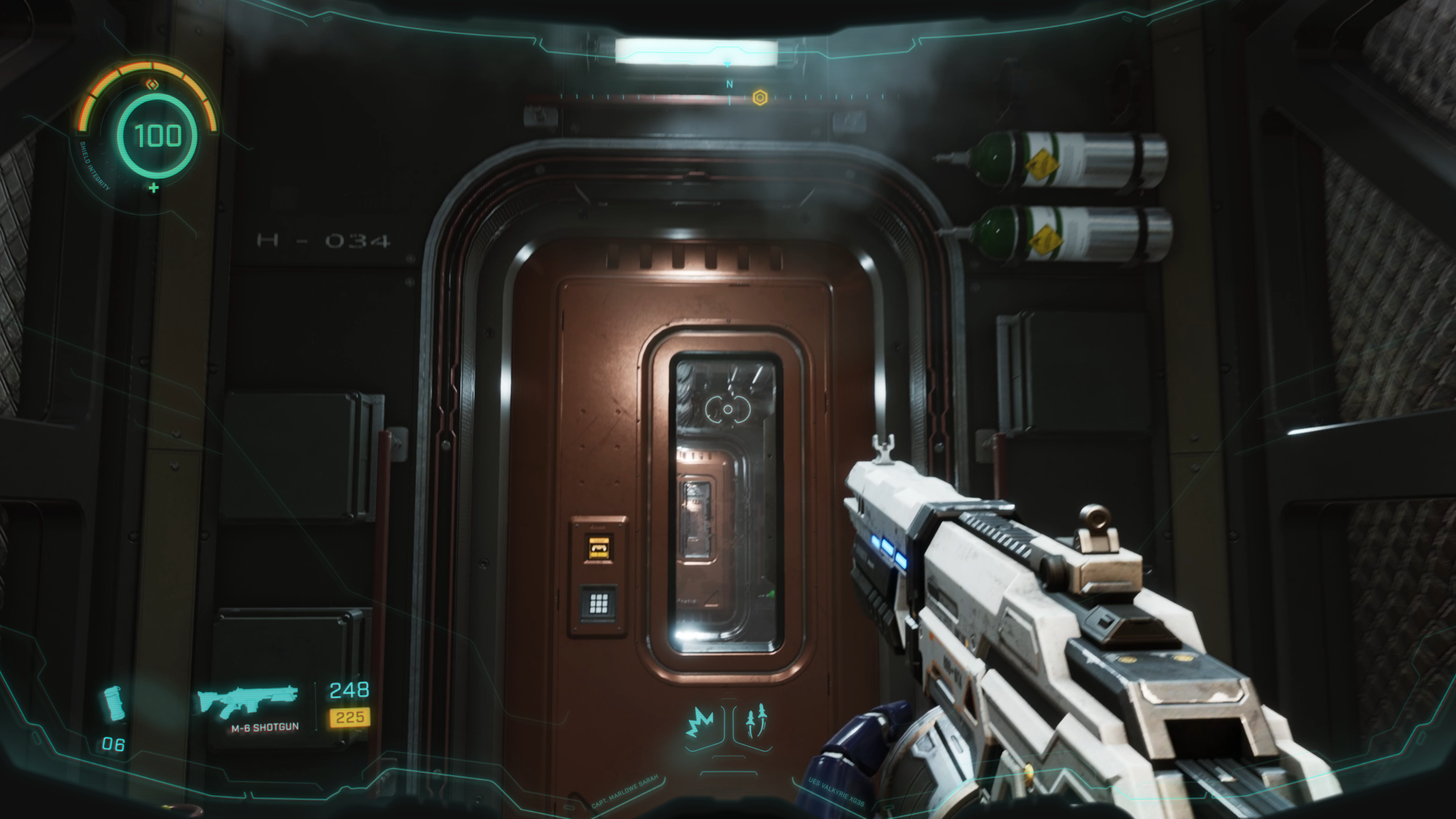
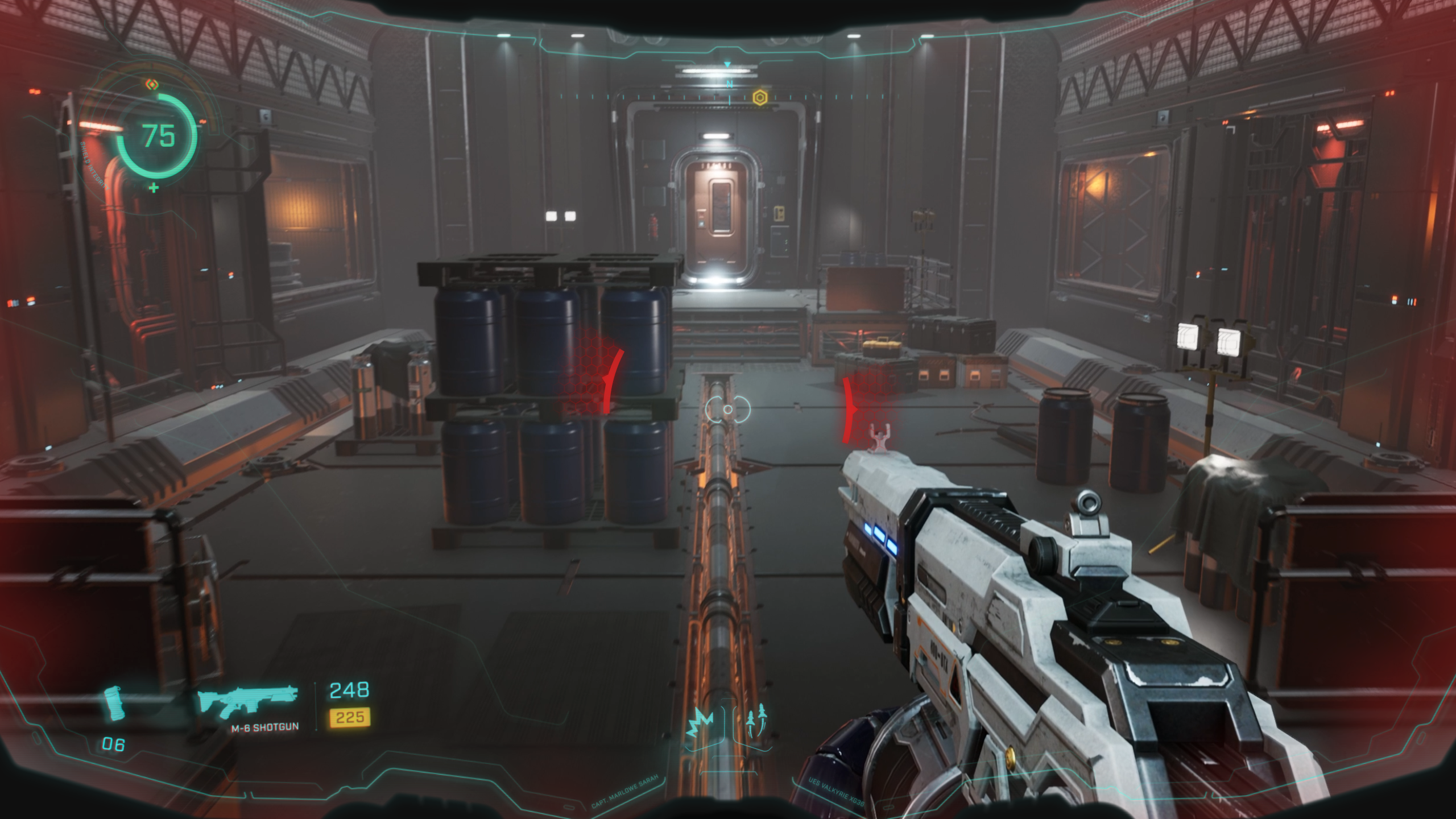
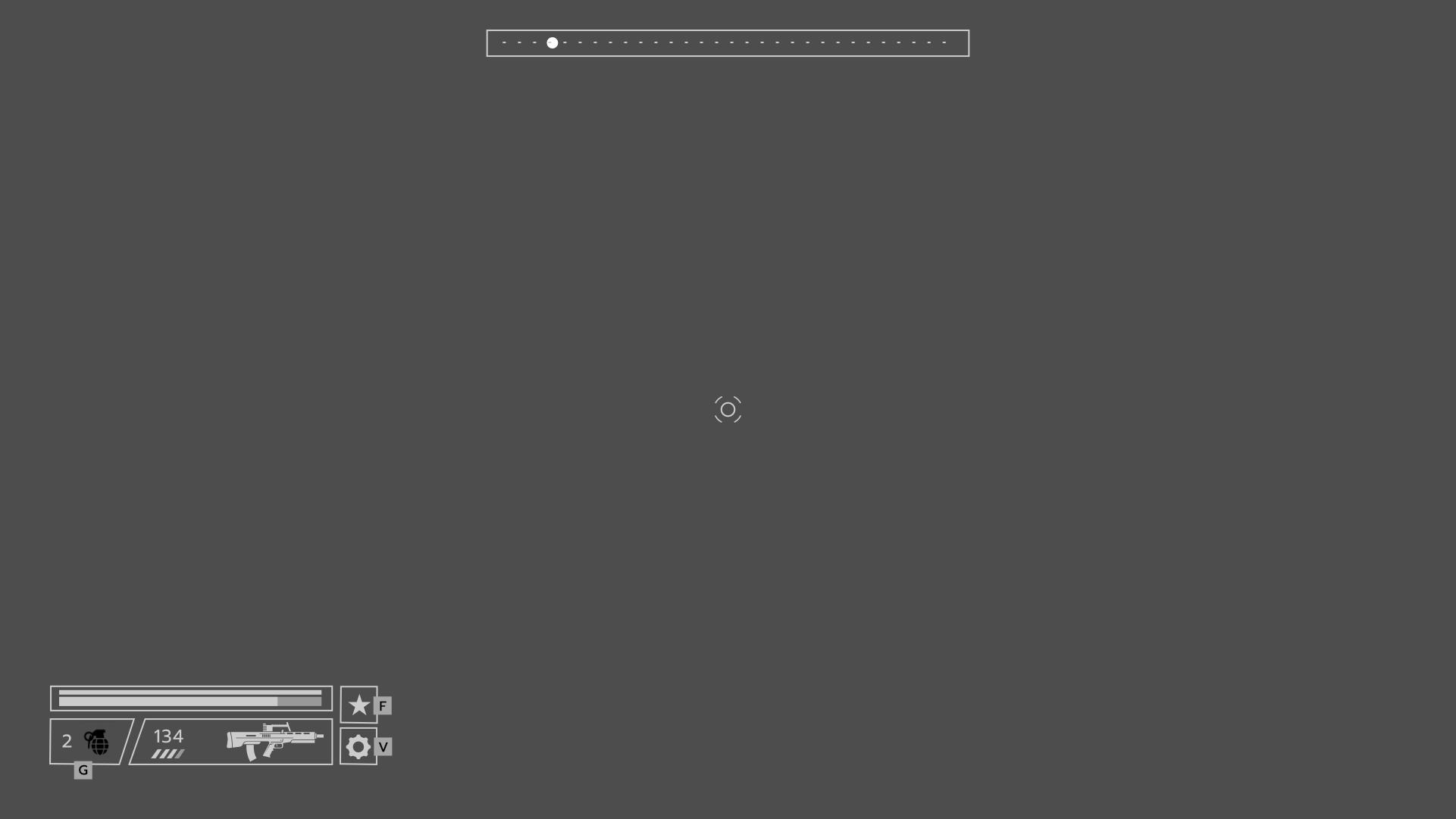
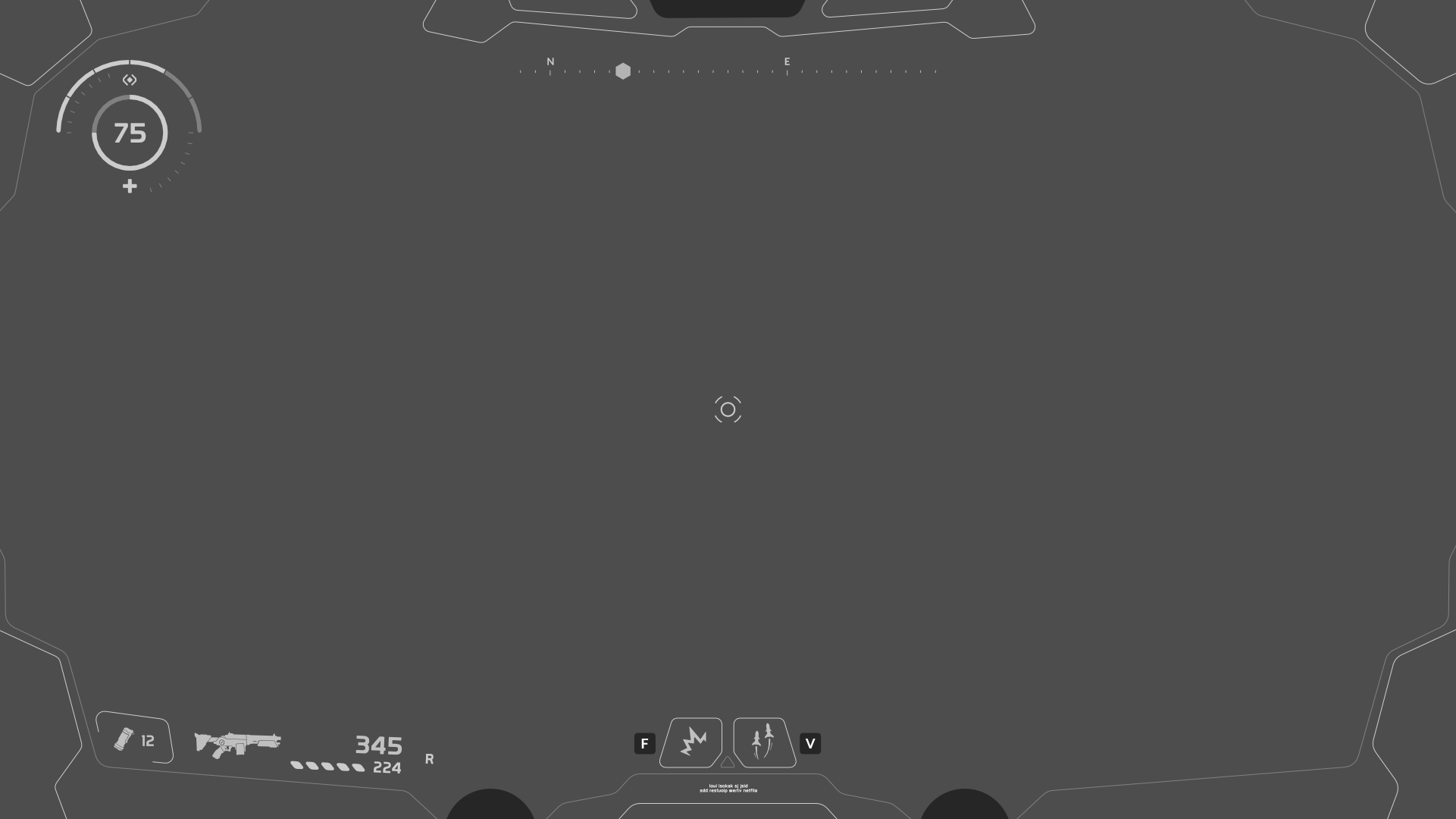
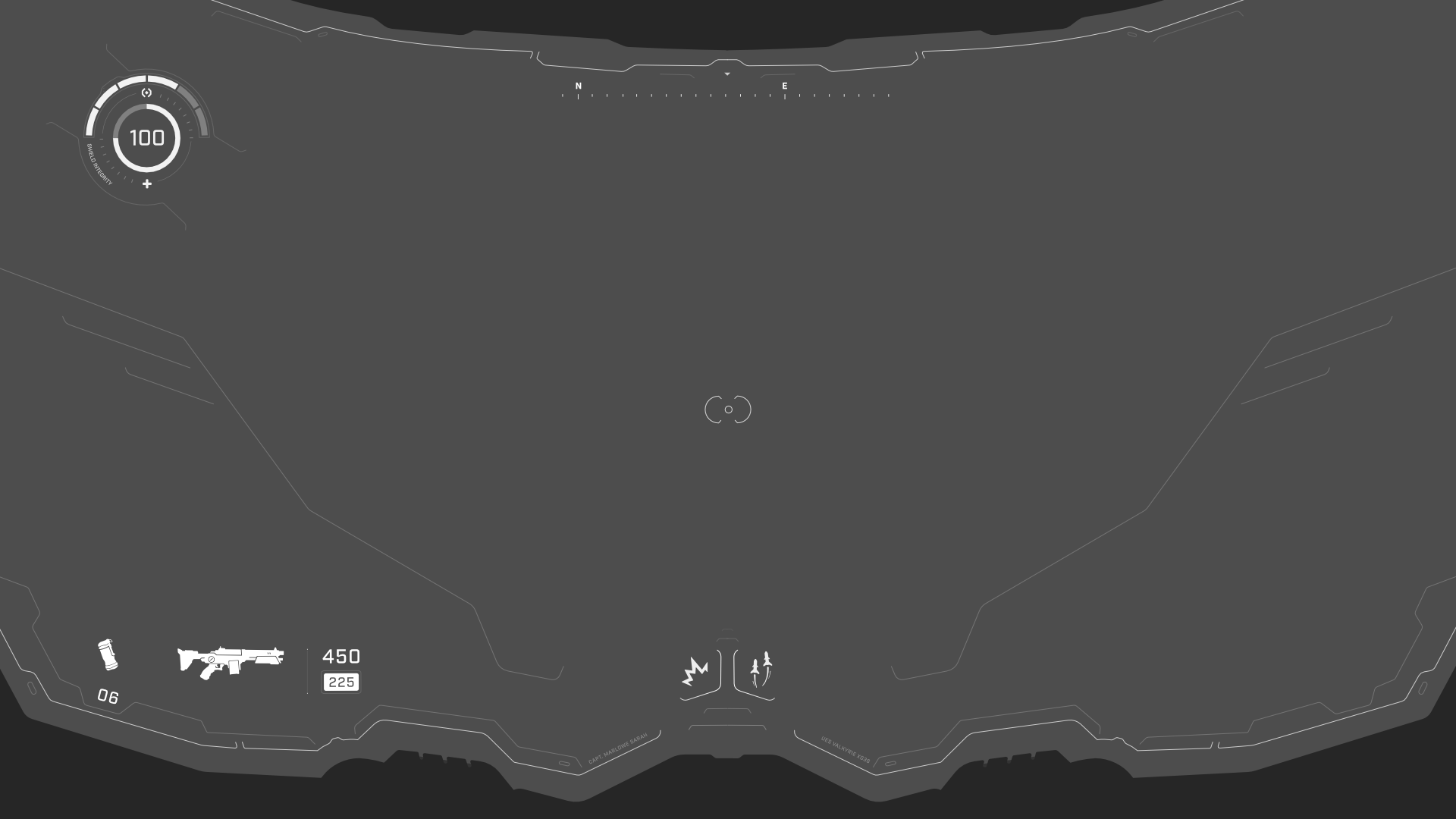
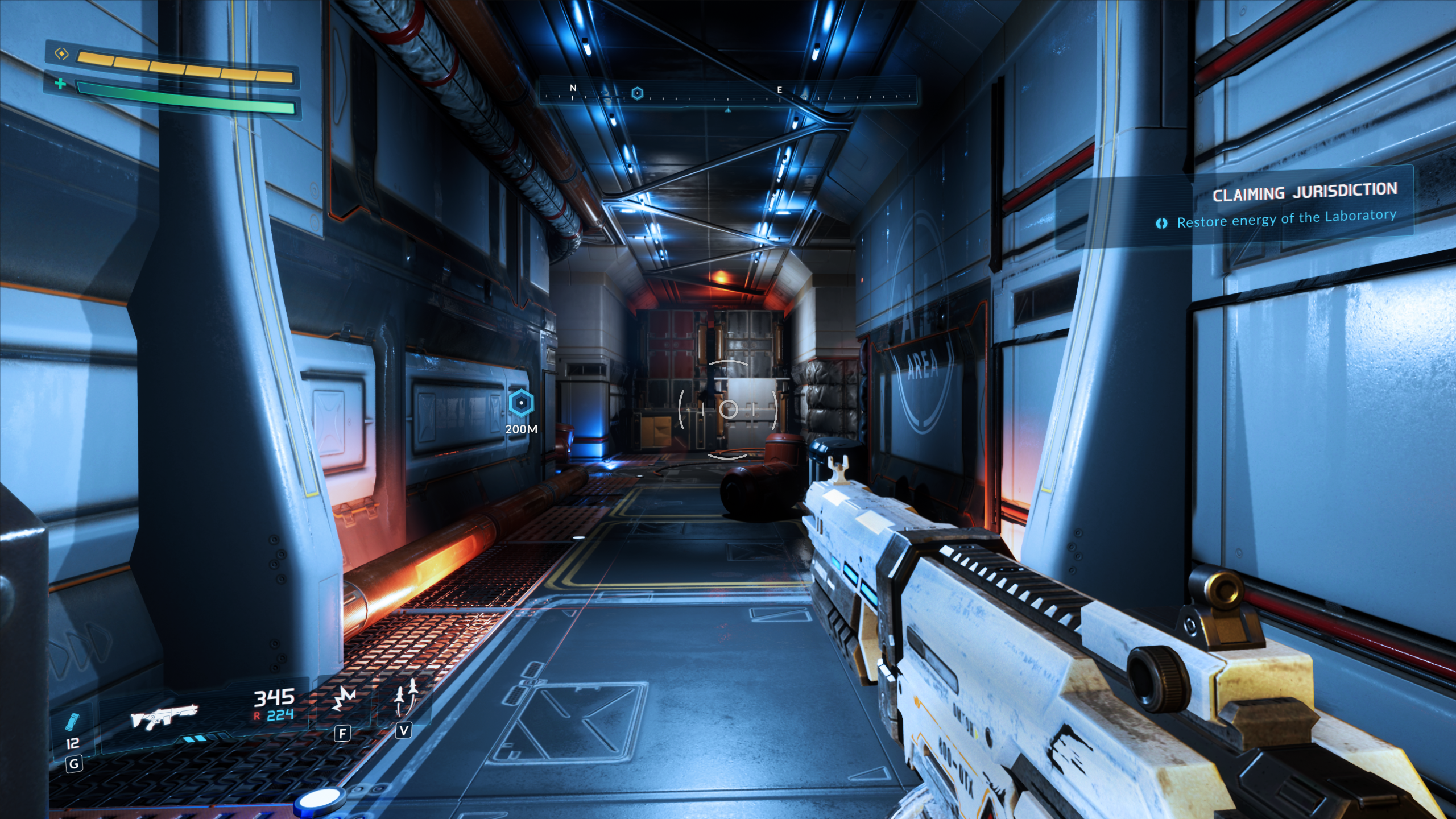
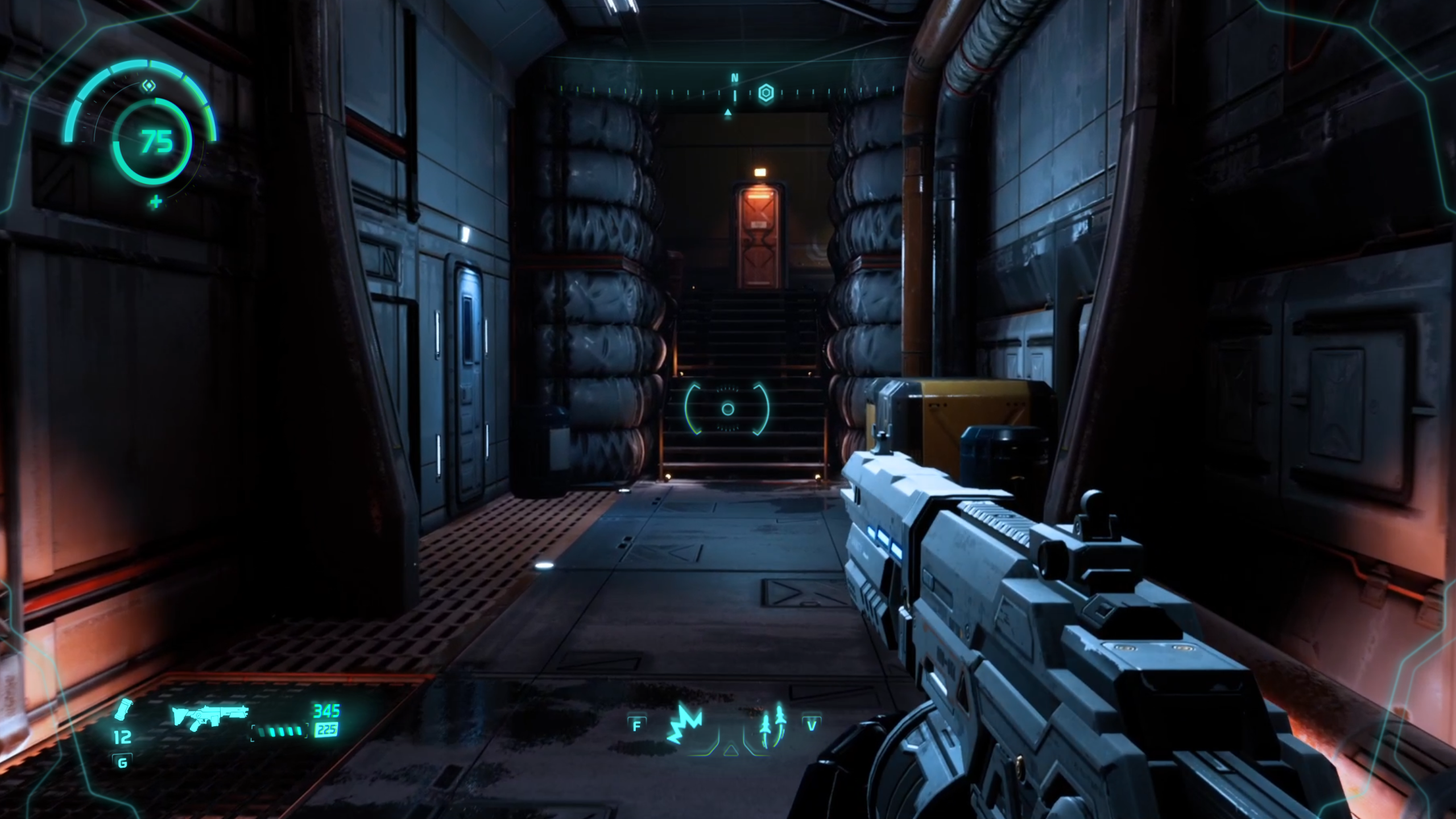
Once the system is active, the HUD shifts to a lighter, combat-focused layout. The interface includes:
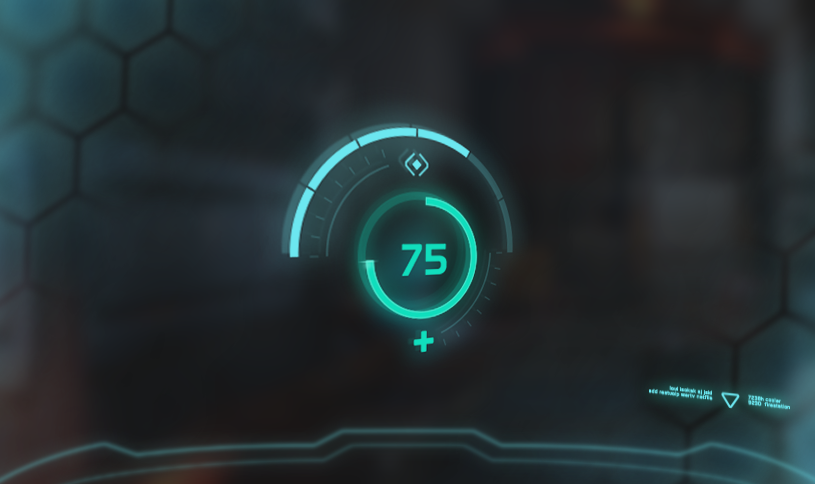
- Shield integrity: a circular gauge showing the player’s current protection level.
- Compass and route points: a top-center navigation bar for orientation and objectives.
- Target reticle: a minimal center crosshair for aiming and interaction.
- Weapon and ammo: current weapon silhouette, name, and ammunition counts.
- Grenades and abilities: quick-access icons for throwable items and suit abilities.
Branding & Iconography
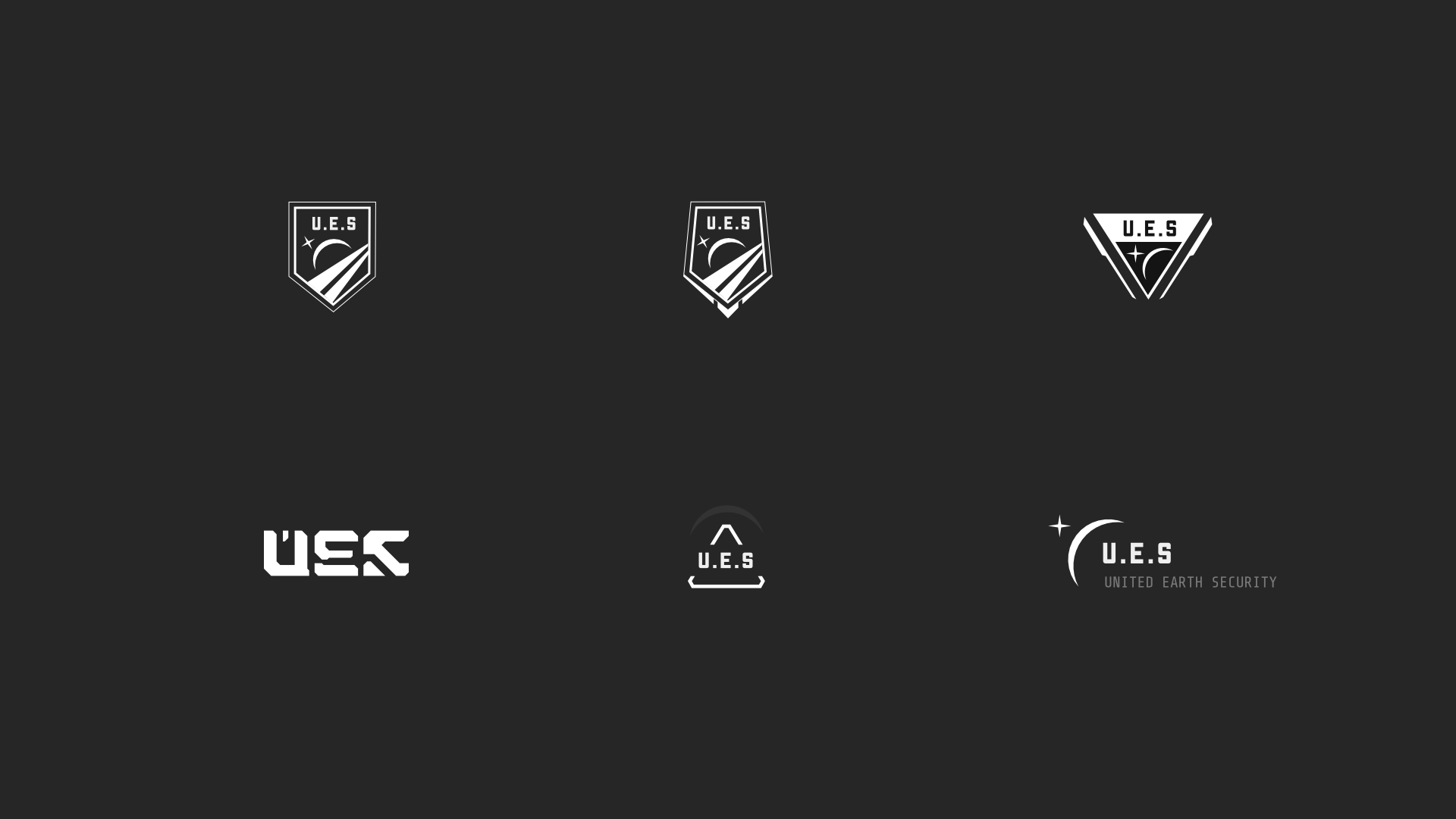
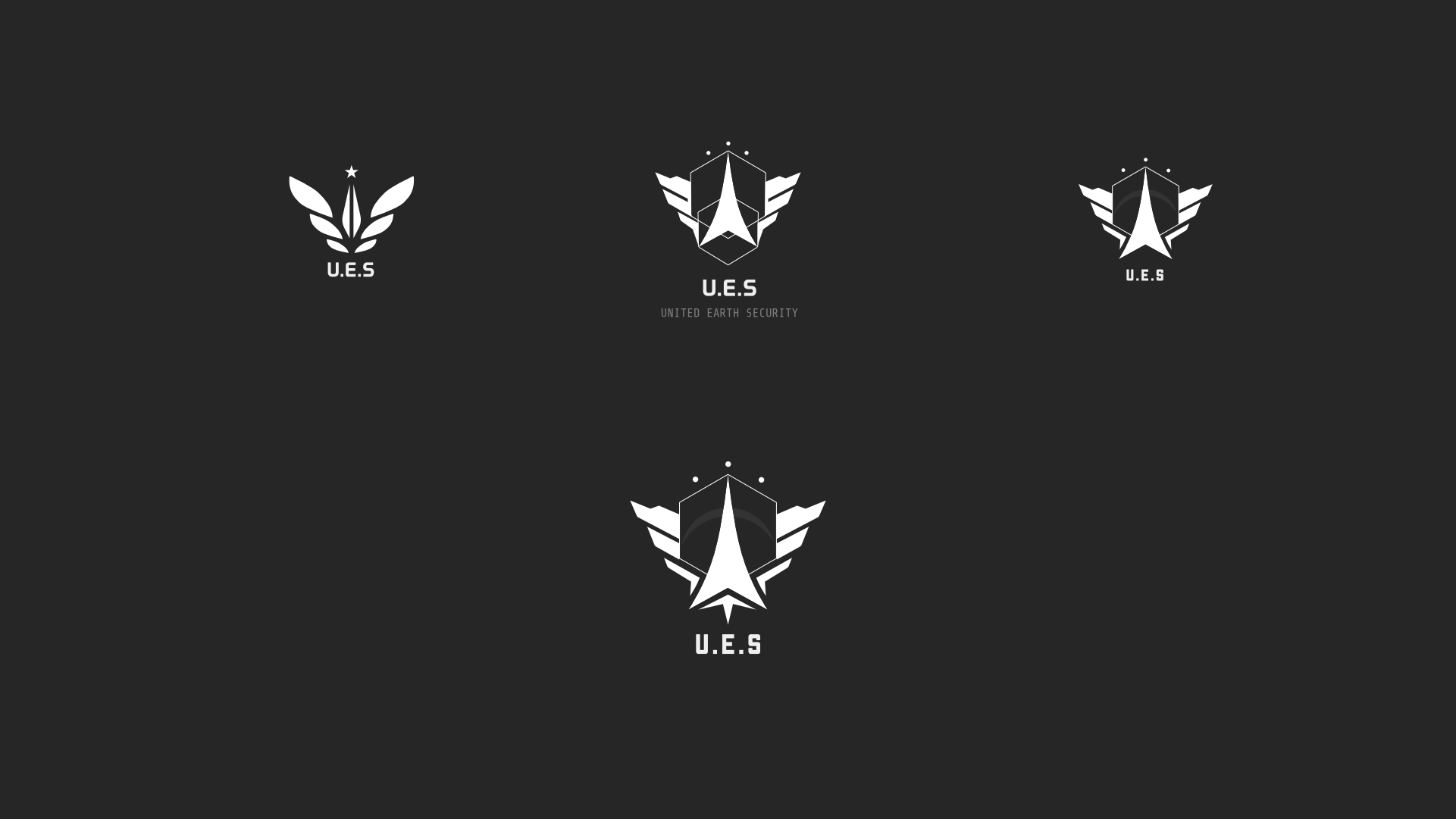
To support the fiction, I created a logo system for United Earth Security. The final mark combines a central arrow, wing-like forms, and the U.E.S. acronym to suggest a military space-security organization.
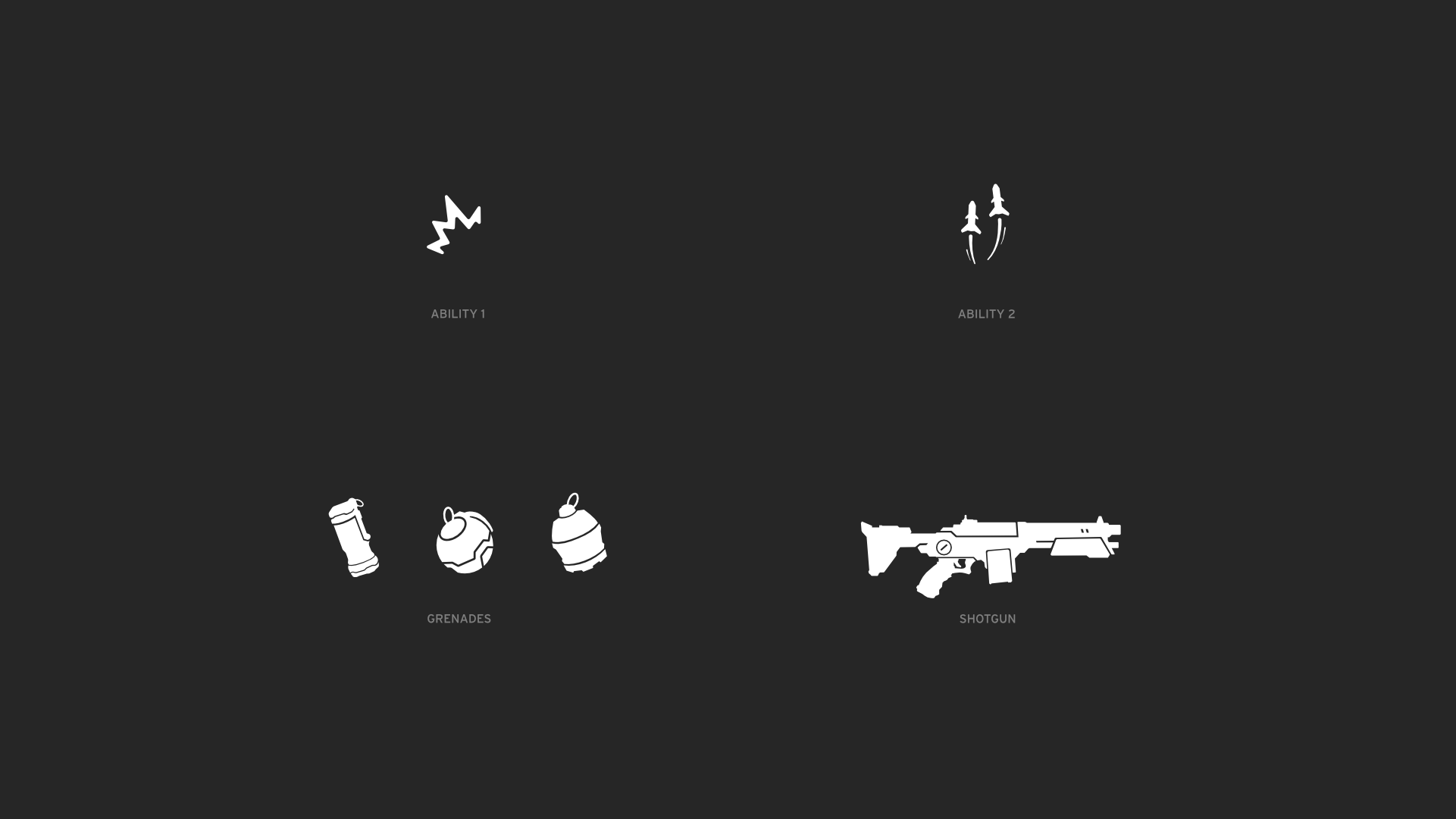
I also designed a small icon set for grenades, abilities and weapons, keeping the shapes readable at small sizes inside the HUD.
Approach
Research & HUD Analysis
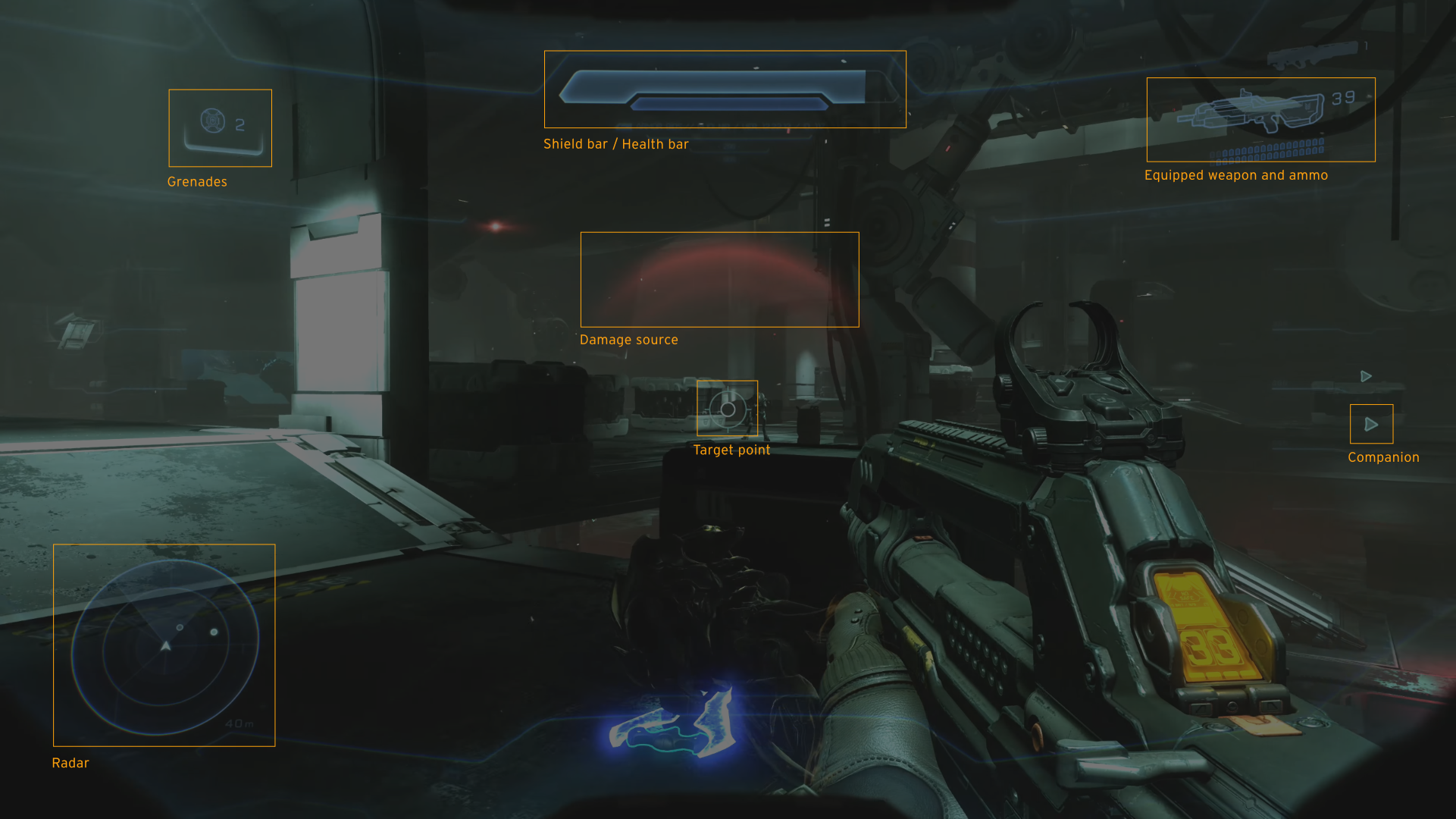
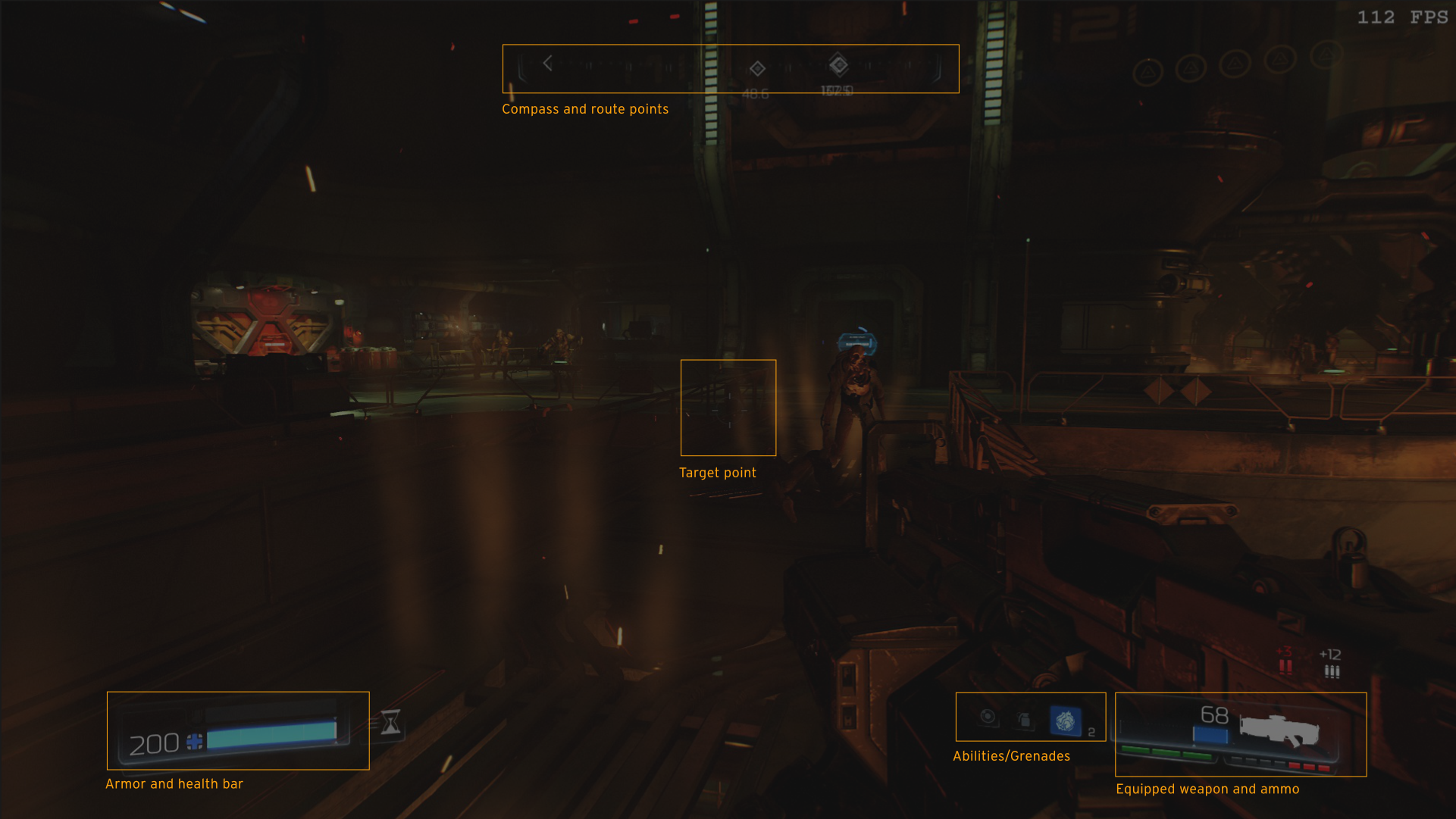
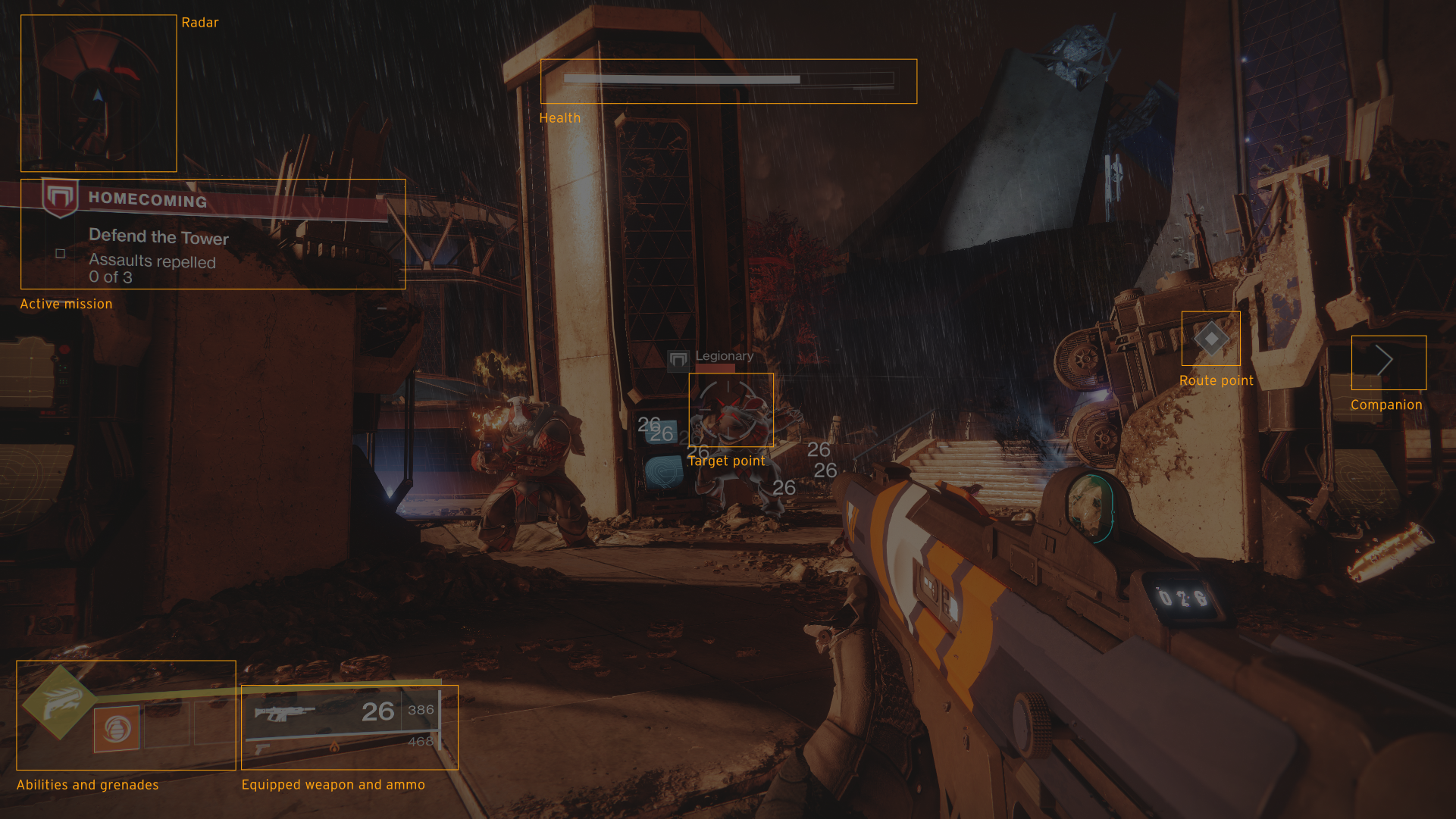
I started by studying HUD patterns from popular sci-fi shooters. I mapped common modules to understand which elements were essential and how they were distributed across the screen.
Sketches & Early Concepts
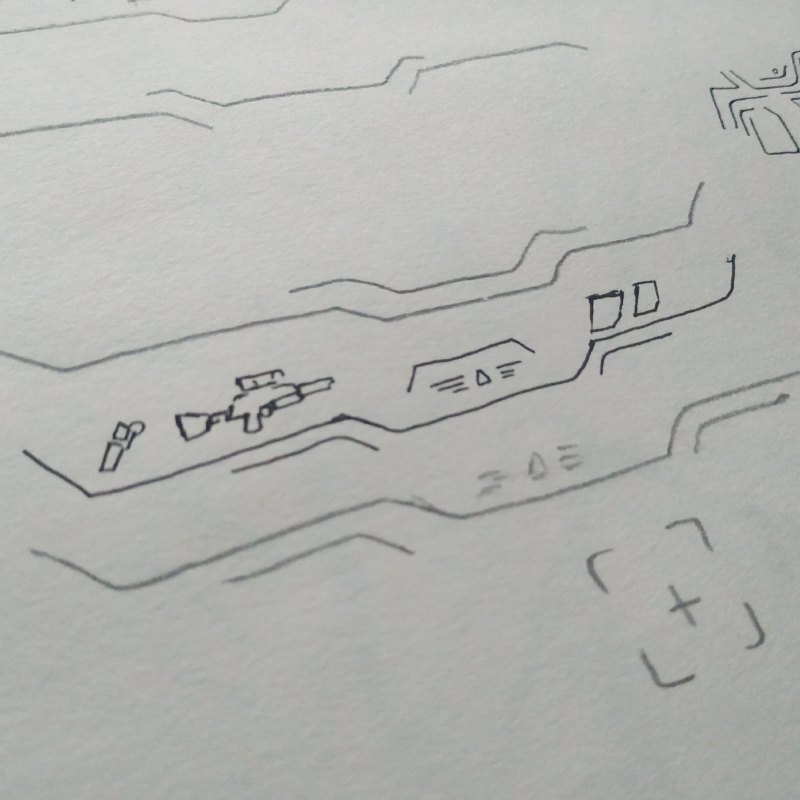
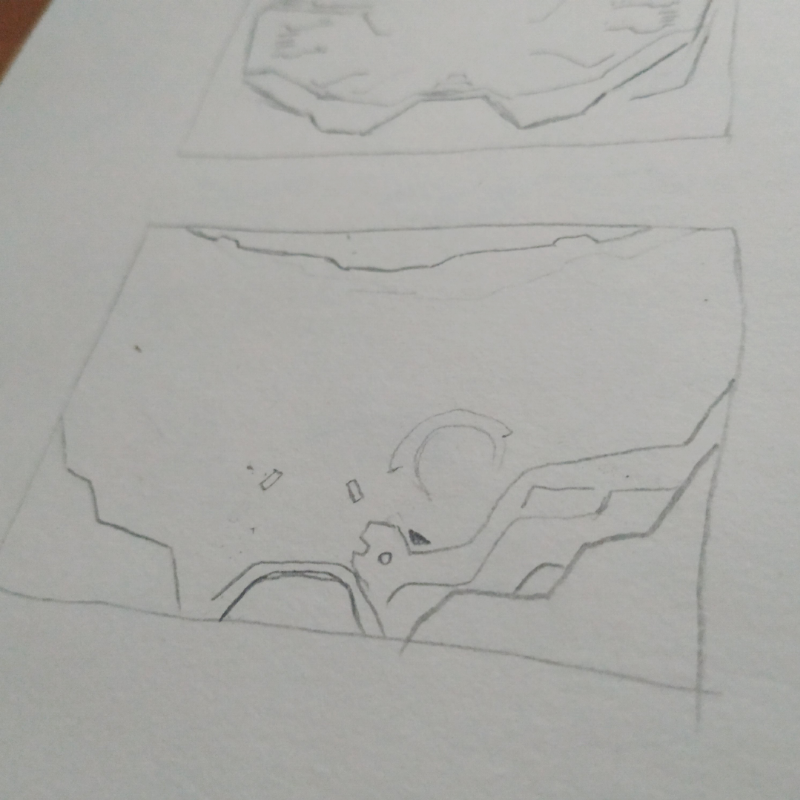
With the module list defined, I explored layout options through quick paper sketches and early digital concepts. These studies helped me decide how much information should live in the corners versus the center of the screen.
Wireframes & Structure
Before refining the visuals, I defined the structure of both the boot sequence and the gameplay HUD as wireframes. As part of this phase I started testing shapes and layout composition.
Impact & Results
- The primary impact was personal growth and skill development.
Learnings
- I learned to analyze existing video game interfaces and think about player experience.
- Designing the logo system and iconography challenged me to create visuals that reinforced the sci-fi theme.
- Animating the HUD in After Effects taught me how to break down UI motion into sequential layers and timed events. I learned to use expressions and effects to achieve the desired result.
- The project pushed me to practice FUI design style and explore tools to get the best results.